Plan a Small Brand Video Campaign Before You Generate the First Clip
PAGE
By PAGE Editor
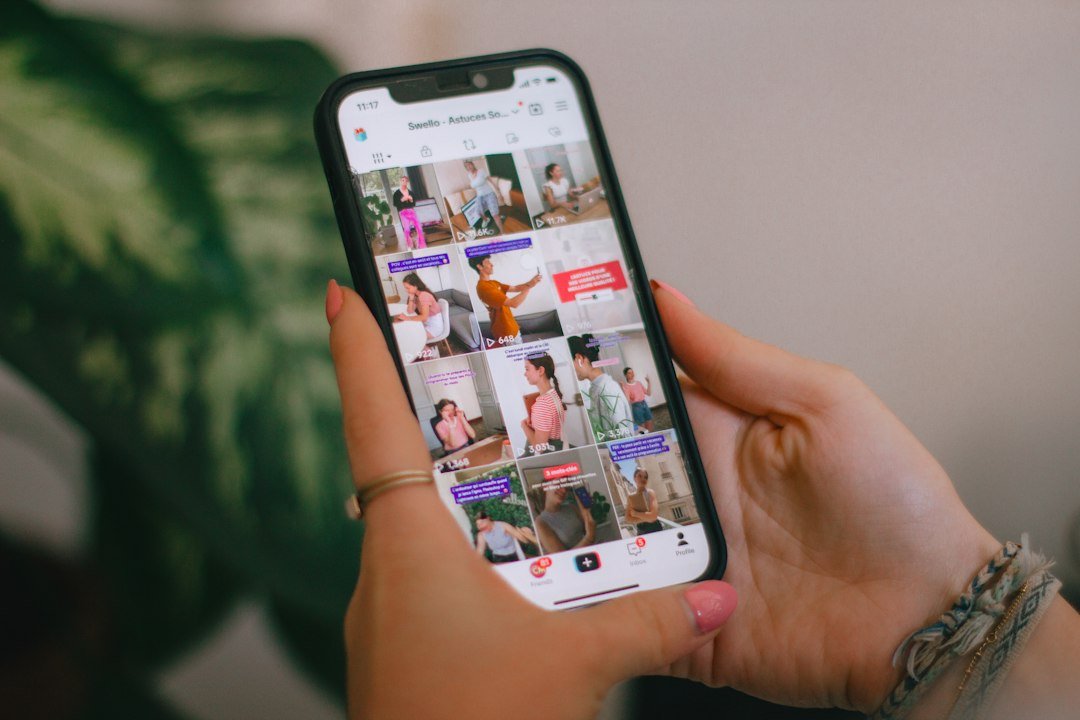
A brand rarely needs just one attractive video. It needs a small set of pieces that make sense together: an introduction, a product moment, perhaps a follow-up that answers a practical question. Without a plan, AI generation can produce a folder of interesting clips that do not feel like the same campaign.
The solution is to organize the idea before producing the assets. A simple campaign brief can establish what stays consistent, what each video contributes, and how the audience moves from curiosity toward understanding. That does not require a large production team. It requires a few clear decisions that everyone can use.
Consider a fictional brand launching a reusable water bottle. The same planning method could apply to a notebook, a kitchen accessory, or a digital service with a visual story to tell.
Give the campaign one central promise
Start with the audience and a real reason they might care. “A calmer way to pack for the day” is a workable theme for a bottle campaign. It suggests a recognizable setting and a practical role for the item without inventing a technical claim.
Write down the single message that should survive across every variation. Then list the evidence or product details you can actually support. Keep imaginative scenery separate from those factual details so an appealing concept does not accidentally become an unsupported product promise.
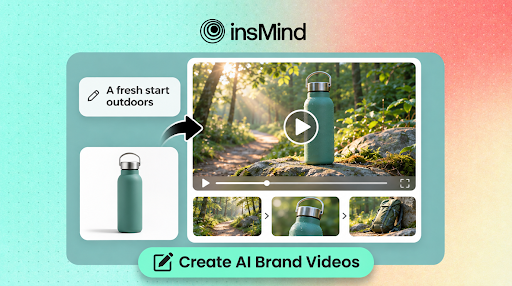
With insMind’s AI video generator, text and image inputs can serve as starting points for different scenes. The campaign brief supplies the connection between those scenes; choosing the same tool alone does not make them coherent.
Assign a different role to each video
Plan a small set of assets around the questions your audience is likely to have. Each video should add something rather than repeat the same pitch with a different backdrop.
An opening piece can establish the everyday moment: a backpack near the door, morning light, and a bottle ready for the commute. A second piece can focus on a visible detail, such as the cap or handle. A third can show how the item fits into a familiar routine.
Give each asset a one-line purpose and a clear endpoint. “Make the handle easy to notice” is specific enough to review. “Show the whole brand story” may be too broad for a short scene and may lead you to request several competing actions at once.
Create a short visual guide
Choose a restrained palette, a lighting direction, and a level of visual realism. Describe these decisions in ordinary language: natural morning light, quiet backgrounds, teal and warm neutral accents, and measured camera movement.
Keep a reference sheet with approved product photographs and a few framing examples. Mark the details that must not change, including the item’s silhouette, color, and visible construction. This gives reviewers something more concrete than a general request for brand consistency.
You can turn product images into videos when the real object needs to anchor a scene. A clear photo reduces how much of the product’s appearance must be described in words, although the resulting clip still needs careful inspection.
Write separate briefs under the same creative direction
Use the shared guide to write individual shot briefs. Keep the visual language consistent while changing the event each video depicts. A possible campaign plan might look like this:
Opening: a backpack and bottle near a doorway, with a slow camera approach that establishes the morning routine.
Detail: a close view of the real bottle’s handle, using gentle motion that keeps its shape readable.
Context: the bottle resting beside a notebook during a work break, with a calm, uncluttered composition.
These are illustrative creative directions. They should be adapted to the actual photographs and product features available, rather than treated as claims about what the item can do.
Read the briefs together. If each one contains a different mood, unrelated props, or incompatible lighting, resolve that before generation. Coordinated planning is easier than trying to reconcile a collection of unrelated outputs afterward.
Make a draft and review it against the plan
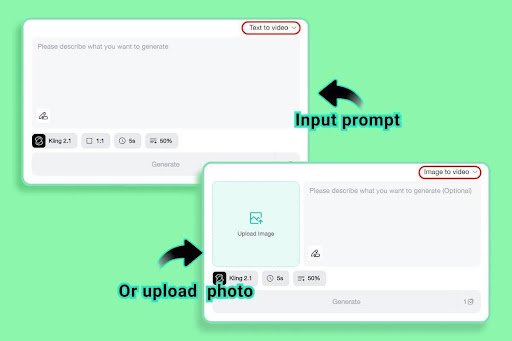
Open the generator, enter the shot prompt or upload the appropriate reference image, and choose the settings available for that mode. Begin with the scene that will establish the campaign’s look. It can become a useful reference for the remaining decisions.
Watch the whole result and compare it with the brief. Does the product remain recognizable? Is the action clear? Does the scene fit the intended role? Record which problems belong to the prompt, the input photograph, or the campaign idea itself.
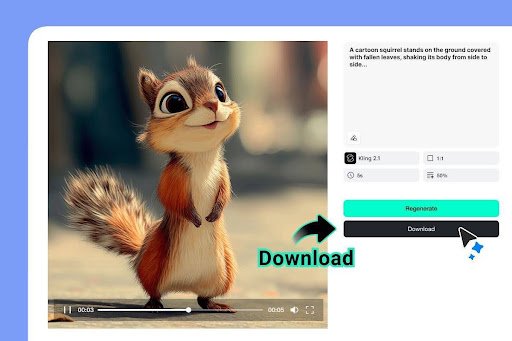
Once you have an acceptable version, download it and keep its brief with the file. Use filenames that identify the campaign, scene, and version so colleagues do not accidentally review an earlier draft.
Add a presenter only when the message needs one
Some ideas benefit from a person demonstrating the product or speaking directly to the viewer. Others are clearer with the object and action alone. Decide based on the message rather than assuming every campaign needs a talking face.
If a presenter makes sense, explore AI UGC video generation for your ad concepts. Give that asset a specific role, such as introducing a routine or showing one interaction with the product. Keep its setting and tone aligned with the rest of the campaign while allowing the presentation to feel more conversational.
A campaign may also grow beyond a handful of short scenes. If the subject needs explanation or a sustained narrative, you can use an AI long video generator to develop a complete narrated video. Rewrite the structure for that format; simply making each existing shot longer does not create a coherent explanation.
Review the set as a viewer would encounter it
Lay out the opening frames together and watch the clips in sequence. Look for unwanted changes in product appearance, inconsistent atmosphere, and repeated information. Also ask whether someone seeing only one video would understand its main point.
Choose a practical next step for each asset: learn about the item, inspect a feature, or explore a use case. Match the surrounding copy to that purpose. A quiet detail video should not have to carry an entire launch announcement in its caption.
The aim is a campaign with a recognizable idea and distinct pieces that support it. Planning those relationships before generation helps you spend creative effort where it matters: on scenes that give your audience a clearer understanding of the brand and the product.
HOW DO YOU FEEL ABOUT FASHION?
COMMENT OR TAKE OUR PAGE READER SURVEY
Featured




A brand rarely needs just one attractive video.