
How to Avoid Roaming Charges While Using an eSIM Abroad
PAGE
By PAGE Editor
Buying a travel eSIM can help control mobile data costs overseas, but installing one does not automatically prevent your original SIM from connecting abroad. Modern dual-SIM phones can keep two lines available at once, which is convenient but can also create confusion about which line is actually using mobile data.
The good news is that avoiding unexpected roaming charges is mostly a matter of setting up the phone deliberately before the trip. The goal is simple: let the travel eSIM handle data abroad while keeping the home line under control.
Where Unexpected Roaming Charges Usually Come From
The biggest risk is not usually the travel eSIM itself. It is the home SIM remaining allowed to use international data in the background.
Phones can switch between available lines depending on their settings. Some devices include features that allow cellular data switching when one line has poor service. That may be useful at home but less desirable abroad if the backup line is connected to an expensive roaming network.
Calls and SMS also follow different rules from mobile data. Turning off data roaming on the home SIM does not necessarily disable the line completely. It may still receive messages or calls depending on the carrier and phone settings.
That distinction is useful when you want verification texts, but it also means you should know what your carrier charges for activity abroad.
Give Mobile Data to the Travel Line
Before or shortly after landing, open your phone's cellular settings and check which SIM has been selected for mobile data.
The international data line should be the eSIM you purchased for the trip. Your home SIM should not be the default data line if your purpose is to avoid home-carrier data roaming.
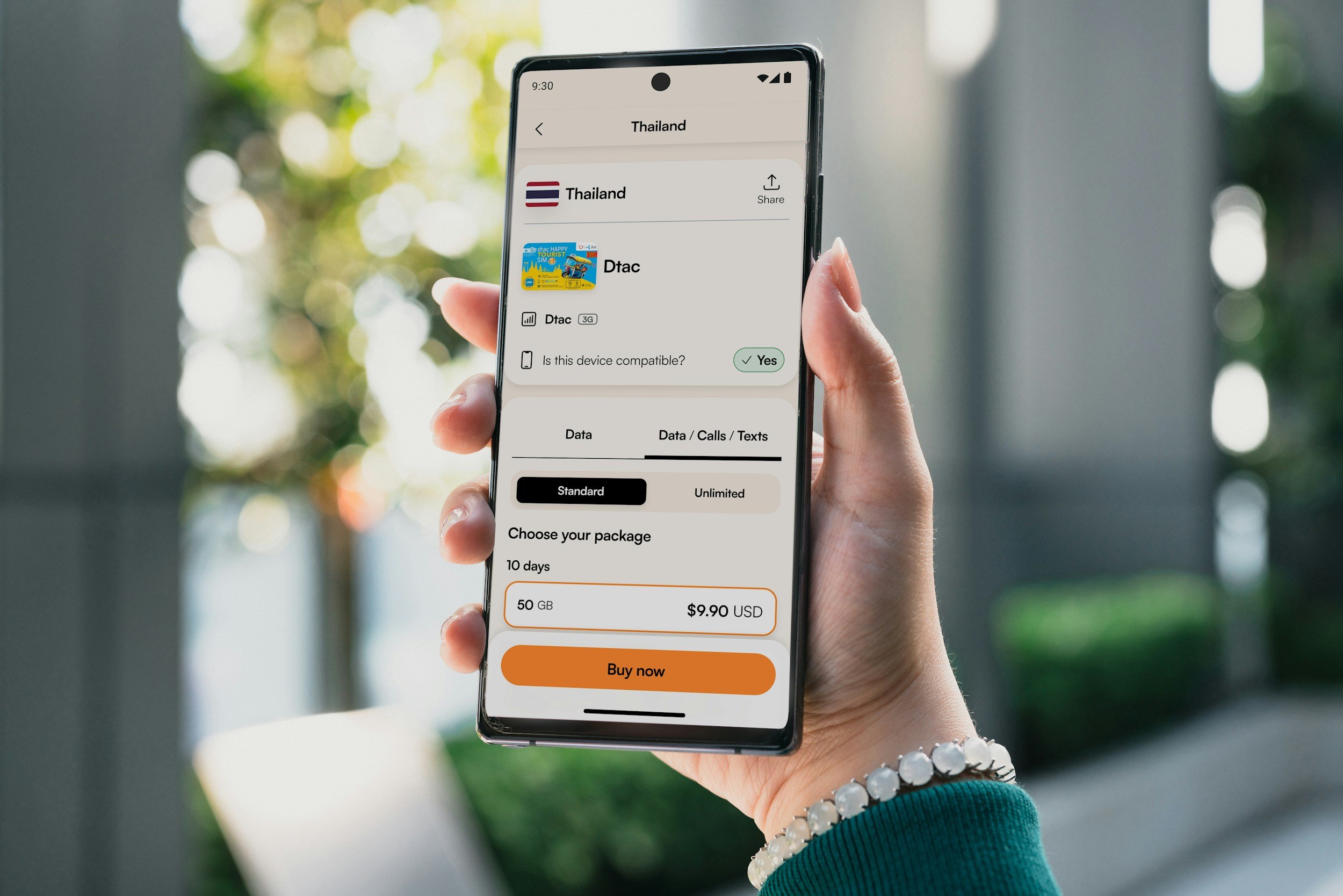
Users of an esim now plan, for example, can keep their usual SIM in a compatible phone while assigning mobile data to the separate travel profile. The two lines serve different purposes, which is easier to manage when they are clearly labeled in the phone settings.
Giving the eSIM a name such as “Travel Data,” “Europe,” or the destination country can also reduce mistakes when switching settings later.
Should You Turn Off Your Main SIM Completely?
Not always.
Travelers often keep their primary line available because they want to receive verification codes, bank alerts, or important calls. On dual-SIM devices, that can coexist with an eSIM carrying the mobile data.
The right setup depends on your home carrier. Receiving an SMS may be free with some plans, while answering a call or sending a message may create an international charge. Other carriers offer daily roaming packages that activate after certain types of usage.
For that reason, check your own carrier's international pricing before departure. An eSIM can replace roaming data without changing the contract attached to your normal phone number.
A Five-Minute Arrival Check
Instead of changing settings repeatedly throughout the trip, do one short check after reaching the destination:
confirm that the travel eSIM line is turned on;
select it as the mobile data line;
confirm the home SIM is not being used for cellular data;
enable data roaming only on the travel eSIM if its instructions require it;
check that automatic cellular-data switching is disabled if you do not want the phone falling back to the home line.
Then open a map or web page with airport Wi-Fi turned off briefly. If it loads through the travel line, you know the setup is working.
This small test is much easier than discovering several days later that the wrong SIM has been carrying your data.
How the Data-Only Setup Works on eSIM.now
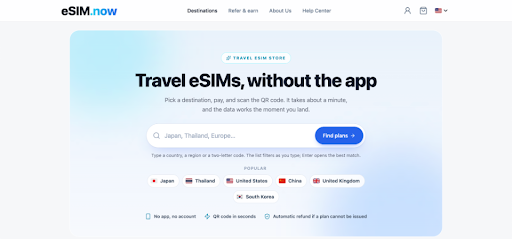
The eSIMs sold through Travel eSIM services such as eSIM.now are designed around mobile data rather than replacing the traveler's existing phone number. On eSIM.now specifically, the primary SIM can remain available for calls and texts while the eSIM carries data on a compatible dual-SIM device.
The site allows travelers to select a country, regional, or global data plan before departure. After payment, the eSIM is delivered by QR code, with no mandatory app or account required. Its guidance recommends installing the profile over Wi-Fi before flying and turning on the eSIM line at the destination.
This separation between “home number” and “travel data” is useful, but the phone still has to be configured correctly. A travel data plan cannot stop a home carrier from charging for activity that the home SIM itself performs.
Be Careful With Calls, Voicemail, and Background Features
Unexpected costs are not limited to obvious mobile browsing.
A traditional phone call routed through the home carrier may count as roaming. Voicemail behavior also varies by carrier, especially if answering or retrieving messages requires a roaming connection.
Background features deserve attention too. Cloud photo backups, automatic software updates, and app refresh can consume large amounts of mobile data. These may not create home-SIM roaming charges if the eSIM is configured correctly, but they can quickly use up the data allowance you purchased.
For a more controlled trip, save large downloads and backups for Wi-Fi.
Airplane Mode Is Not the Only Solution
Some travelers assume they must keep the phone in airplane mode whenever they are abroad. That certainly prevents cellular activity, but it also defeats the purpose of having a travel eSIM unless cellular connectivity is turned back on.
A more practical approach is to control the individual SIM lines. Modern phones let users decide which line provides data and whether another line remains active.
If you are highly concerned about home-carrier charges and do not need your normal number at all, disabling the home SIM line temporarily is the simplest option. If you do need the number, keeping it active while restricting data can provide more flexibility.
Check Again After Changing Countries
Travelers using a regional or global eSIM should pay particular attention after crossing borders. The travel eSIM may reconnect to a different partner network, and a temporary loss of service could tempt the phone to use another available line if automatic switching is enabled.
A quick look at the cellular settings after entering a new country can confirm that the travel line is still responsible for data.
The same idea applies after restarting the phone, installing a system update, or changing SIM settings during the trip. You do not need to monitor the phone constantly, but a quick check after major changes is worthwhile.
Keep the Setup Simple
Avoiding roaming charges does not require turning every phone setting into a technical project. The essential principle is to know which SIM is handling which job.
Use the travel eSIM for mobile data, keep data roaming disabled on the home line unless you intentionally want your carrier's roaming service, and check what calls and messages cost on your normal plan.
With that arrangement in place, you can continue using maps, messaging apps, bookings, transport services, and other travel tools without wondering whether your home SIM is quietly accumulating an international data bill.
HOW DO YOU FEEL ABOUT FASHION?
COMMENT OR TAKE OUR PAGE READER SURVEY
Featured





Digital rewards strengthen luxury through practical service, selective access, and thoughtful personalization that keeps each purchase valuable for longer.