
Nostalgia in Motion: Giving Old Photos a Few Seconds of Life
PAGE
By PAGE Editor
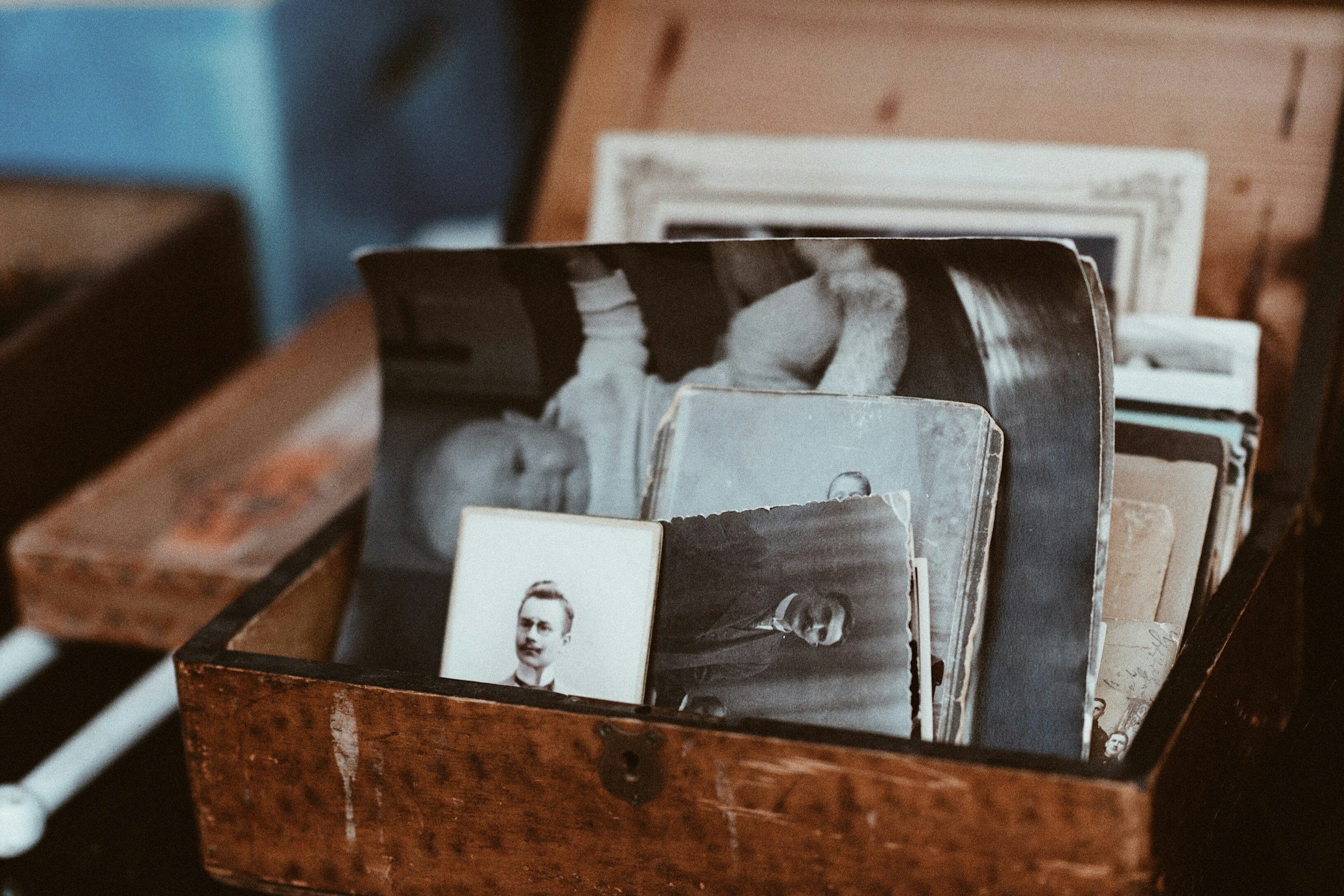
There's a particular kind of quiet that comes with opening a box of old photos. A grandmother squinting into the sun at a beach you've never visited. Your parents at a wedding, younger than you are now. A dog whose name everyone in the family still argues about.
We keep these pictures because they hold people in place. But that's also their limit: the moment is frozen, and after a while we stop really looking. Lately, more people are finding a small, surprising way to look again, by letting a photo move for just a few seconds.
Why a moving photo hits differently
A still photo asks you to remember. A moving one feels closer to being there. Even a tiny change, a head turning, a smile widening, hair lifted by wind, makes the brain read the image as a scene rather than an object.
That's why short animated photos tend to land with family in a way a scanned print rarely does. People replay them. They send them to cousins. Someone always says, "That's exactly how she used to laugh."
It's worth being honest about what this is, though. An animated photo is an interpretation, not a recording. It shows a plausible moment, not the real one. Treat it like a painted portrait from a photograph: a tribute, not evidence.
Start with the photos that matter most
You don't need to digitize the whole attic. Begin with a short list:
One photo per person you'd like to see again, ideally a clear, front-facing shot.
One photo of a place that shaped your family: a kitchen, a porch, a first apartment.
One "everyone" photo from a holiday or celebration.
Five to ten pictures is plenty for a first round. The aim is a few clips that mean something, not a full archive.
Scan with care before you animate
Animation magnifies whatever is in the source image, including dust and blur. A few minutes of prep makes a visible difference:
Clean the print gently with a soft brush or microfiber cloth. No liquids.
Scan at 600 dpi or higher if you have a flatbed. A phone scanning app in even daylight works too.
Shoot straight on to avoid keystoning, and turn off flash to prevent glare on glossy prints.
Crop to the subject so faces take up a good part of the frame.
If a photo is torn or heavily faded, it can still work. Just expect the result to be softer.
Letting the photo move
Not long ago, making a photo move meant hours in editing software. Image-to-video AI has made it a few-minute task. With an online AI photo animator like AI Photo Animator, you can upload a scan and turn a still photo into a short video with natural motion and sound, right in the browser, with nothing to install.
A few habits help the result feel gentle rather than strange:
Ask for small motion. "Slight smile, soft blink, light breeze in her hair" usually looks more natural than big gestures.
Keep the camera calm. A slow push-in suits old photos better than sweeping moves.
Generate a couple of versions and choose the one that feels most like the person you remember.
Stop at a few seconds. Short clips feel like a glimpse; long ones start to feel invented.
Sharing it in a way that feels right
How you share an animated memory matters as much as how you make it.
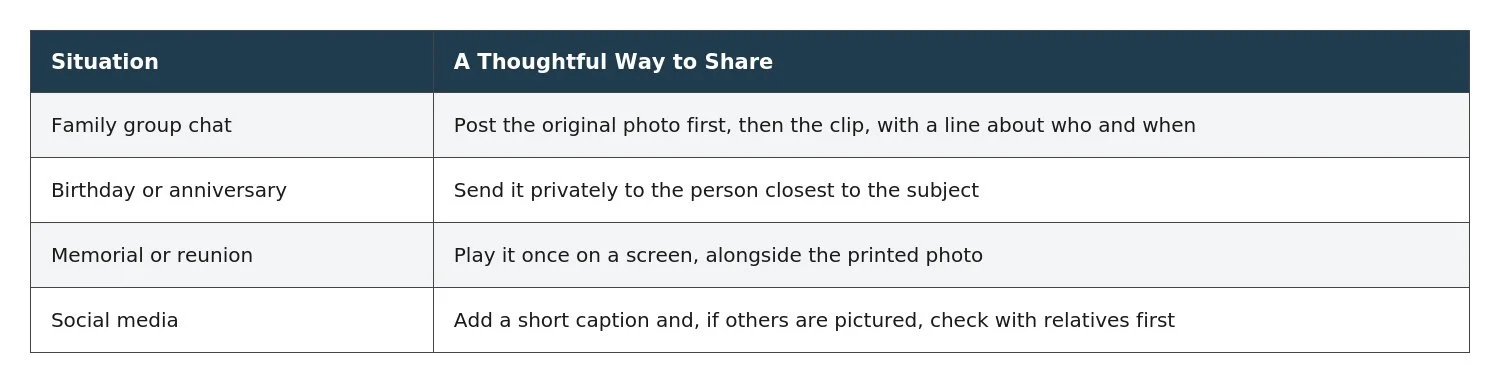
One sensitive point: not everyone wants to see a loved one move again, especially soon after a loss. When in doubt, ask before you share.
A small ritual worth keeping
Some families now make one clip a year from an old photo, on a birthday or a holiday, and add it to a shared folder. Over time it becomes its own kind of album: not a replacement for the prints in the box, but a reason to keep opening it.
So pick one photo this week. Clean it, scan it, and let it move for a few seconds. Then notice who you want to send it to first. That answer usually tells you which memory deserves the next one.
HOW DO YOU FEEL ABOUT FASHION?
COMMENT OR TAKE OUR PAGE READER SURVEY
Featured



Wellness has increasingly become part of how we think about everyday life. It influences the way we design our homes, choose personal care products, and create moments of quiet in otherwise busy schedules.