
How an AI Prompt Library Helps Creators Make Better Images With Less Guesswork
PAGE
By PAGE Editor
The difficult moment in AI image creation often comes after the first result. The picture is plausible, perhaps even attractive, but something is wrong. The lighting is too theatrical. The composition feels crowded. A portrait intended to look spontaneous resembles an advertisement.
The creator knows what they dislike. Deciding what to type next is harder.
An image generator’s text box makes the process look straightforward: describe a picture and receive one. Yet that simple interface leaves a considerable task to the user. Visual preferences must become written instructions, and the relationship between those instructions and the resulting image is not always obvious.
An AI prompt library gives creators another place to begin. By pairing examples with the language used to produce them, it allows people to work from something they can examine. The value lies in making the next creative decision better informed.
Why the Image Matters as Much as the Prompt
A phrase such as “editorial photography” can describe many different pictures. It says little about the distance between camera and subject, the placement of shadows, or how much of the setting should remain visible.
An accompanying image gives those words context. A creator can look at the result and decide whether its interpretation suits the project.
This is the practical appeal of a visual prompt collection. Someone preparing an illustration, a fashion image, or a social media graphic can browse examples before committing to a direction. The starting question becomes more specific: which qualities in this image would be useful in my own?
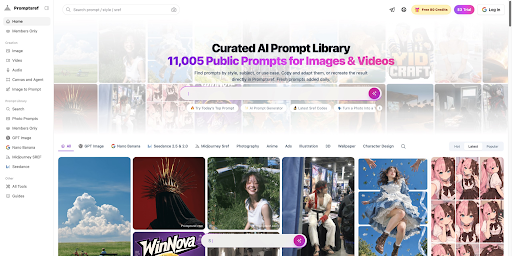
Promptsref’s AI prompt library brings generated images and videos together with their prompts, with collections organized by model and creative style. That arrangement allows users to move between the visible result and the instructions behind it.
The connection is useful even when the example depicts a different subject. A still life might offer a way to describe restrained color. A portrait might suggest an approach to directional light. The creator can borrow the relevant visual idea while developing a different composition.
The essential decision is identifying what deserves to carry over. Copying an entire prompt without making that distinction can introduce details that have little to do with the intended image.
A Good Example Comes With Enough Context
A compelling result is a reason to investigate a prompt. It is not a guarantee that copying the text will reproduce the picture.
An example may depend on a reference image, a particular model, or settings that are absent from the displayed description. The finished picture may also have been selected from several attempts.
These possibilities change how a library should be evaluated. The size of a collection tells users how much material they can browse. It says less about whether an individual entry provides enough information to be useful.
A well-documented entry should make its relevant conditions clear: which model was used, whether reference images were required, and which settings accompanied the prompt. If additional editing shaped the final image, that context matters too.
Such information helps a creator interpret an unexpected result. A mismatch does not automatically mean the wording is poor. It may mean that part of the original process is missing.
It also gives meaning to the idea of a “tested prompt.” A displayed output documents one result under particular conditions. Learning whether the approach works for another subject requires further testing.
Turning an Example Into a Useful Comparison
The strongest reason to use a prompt library is that it provides a baseline for revision.
Imagine finding a portrait whose light is close to what a project needs. Its prompt also specifies a muted palette, shallow depth of field, and pronounced film grain. If the desired image should look cleaner, the grain description is an identifiable place to begin.
Keeping the remaining instructions and settings steady makes the comparison easier to interpret. Rewriting the subject, lighting, background, and finish at once leaves more uncertainty about what caused the difference.
Even a careful comparison has limits. Generated outputs can vary, so one improved picture is weak evidence that a particular edit reliably helps. Where possible, examine several results before treating an adjustment as a dependable technique.
For everyday creative work, this approach makes each attempt answer a concrete question. Does the background compete with the clothing? Is the subject large enough to read at thumbnail size? Does the composition leave space for a headline?
Those questions also provide a more useful definition of “better.” An image that succeeds as a full-page illustration may fail as a small promotional graphic. A visually striking portrait may be unsuitable for a project that requires an understated tone.
The prompt becomes easier to revise once the purpose of the image is clear.
Saving What Made the Result Useful
When a result works, saving the text alone leaves part of the experience behind.
A more useful record includes the image, the prompt, the model information, relevant references, and a short explanation of why the result was selected. Notes such as “leaves enough room for two lines of text” or “keeps fabric texture visible” preserve decisions that might otherwise be forgotten.
Unsuccessful attempts can be informative as well. A description that produces appealing light but repeatedly distracts from the subject may need revision. Recording that observation prevents an attractive example from becoming an unquestioned template.
Over time, a creator can build a small collection suited to recurring needs. Public libraries provide breadth; personal records preserve what has actually been useful in a particular practice.
That is a realistic benefit of using a prompt library. It supplies examples, exposes choices, and gives creators material they can adapt and evaluate. When the next image is almost right, they have something more useful than another adjective: a specific change to try, and a reason for trying it.
HOW DO YOU FEEL ABOUT FASHION?
COMMENT OR TAKE OUR PAGE READER SURVEY
Featured
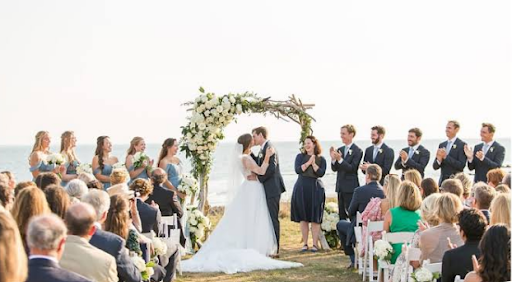

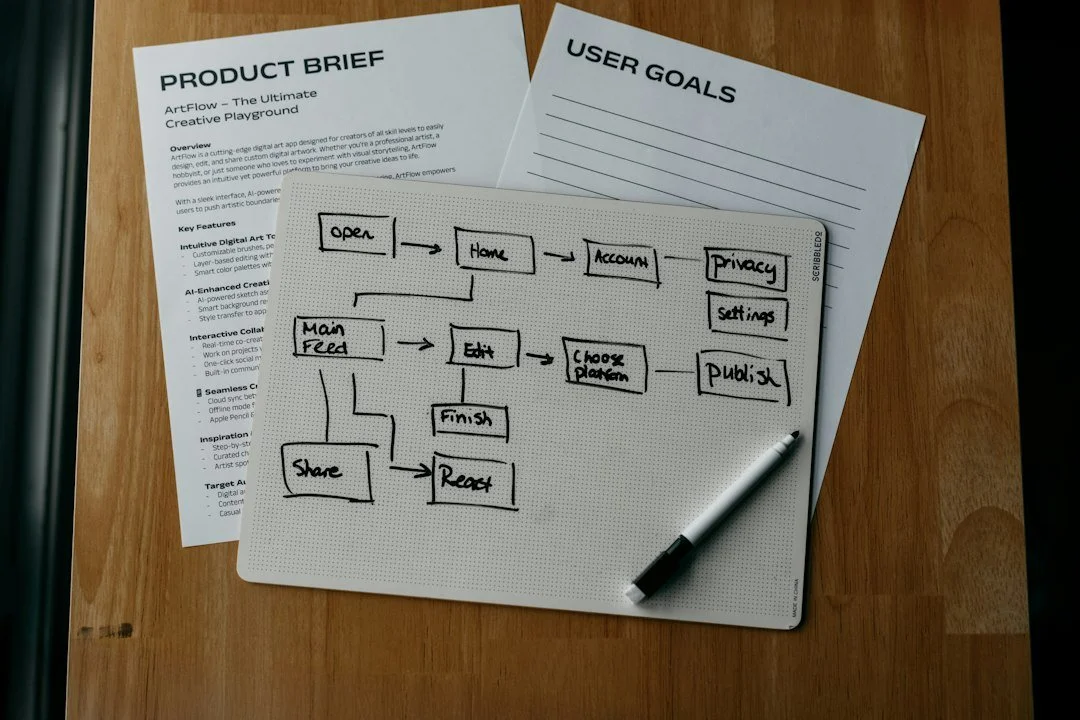


Choosing a wedding venue is exciting until the practical questions arrive all at once: guest count, budget, weather, food, parking, accessibility, room layout, and everyone else’s opinions.